
07 May Why Your Clevertouch Panel Feels Slower Than It Used To
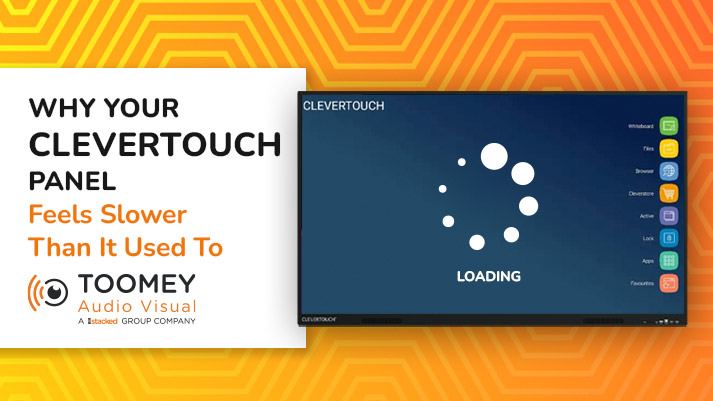
You remember when your Clevertouch panel was new. It booted up quickly, apps opened instantly, handwriting flowed smoothly across the screen without needing to recalibrate every time to detect touch properly, and teachers actually wanted to use it. Fast forward 5 years later and no service has been done and It takes longer to start up in the morning. Apps stutter. The keyboard lags behind what you’re typing. Web pages feel sluggish. Teachers have started muttering about “the panel playing up again.”
Here’s the good news: your Clevertouch panel almost certainly isn’t broken, and it isn’t too old. It’s just been working hard for years without anyone looking after it. And in nearly every case, the slowness you’re experiencing is completely fixable. We service Clevertouch panels in schools across Ireland, and we see this exact problem every week. Here’s what’s really going on inside your panel, and what a proper service will do about it.
Your Clevertouch Panel Is Basically a Computer And Computers Get Cluttered
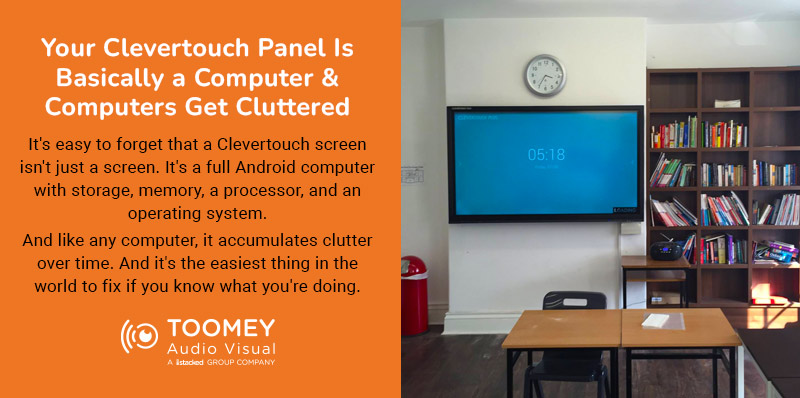
It’s easy to forget that a Clevertouch interactive flatscreen isn’t just a screen. It’s a full Android computer with storage, memory, a processor, and an operating system. And like any computer, it accumulates clutter over time.
Every time a teacher plugs in a USB stick, the panel caches files. Every time someone signs into Google or Microsoft, session data gets stored. Every app that opens leaves temporary files behind. Every web page visited adds to the browser cache. Multiply that by dozens of users, hundreds of sessions, and years of daily use, and the result is a panel with its storage clogged and its memory constantly juggling old data it no longer needs. This is the single biggest cause of the slowness you’re noticing. And it’s the easiest thing in the world to fix if you know what you’re doing.
Firmware From Three Years Ago Is Running Your Classroom
Clevertouch releases firmware updates regularly. They fix bugs, improve performance, add features, and patch security issues. They also dramatically improve stability and speed on older panels as the software gets optimised over time.
The problem? Almost no school installs them. Firmware updates aren’t automatic, they require someone to actively apply them, and they can take twenty or thirty minutes per panel. Across a school with twenty classrooms, nobody has time for that during term.
So panels stay on the firmware they were shipped with, missing years of improvements. When we service a panel, updating the firmware is often the single change that makes the biggest difference. Teachers who’ve been living with a sluggish panel for years suddenly find it responsive again — and they haven’t touched a thing.
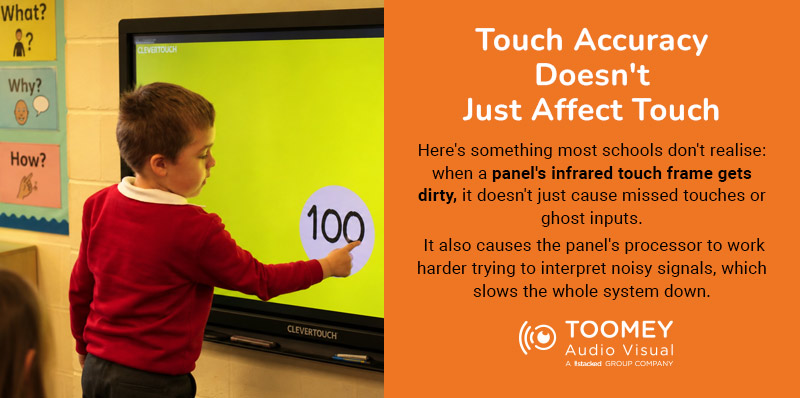
Touch Accuracy Doesn’t Just Affect Touch
Here’s something most schools don’t realise: when a panel’s infrared touch frame gets dirty, it doesn’t just cause missed touches or ghost inputs. It also causes the panel’s processor to work harder trying to interpret noisy signals, which slows the whole system down.
Dust, chalk residue, fingerprints, tape marks, and general classroom grime build up on the touch frame over years. A proper clean — not just a wipe of the glass, but a clean of the infrared sensors around the edge of the panel — can restore not just touch accuracy but overall responsiveness too.
Apps You Forgot Were Installed
Panels accumulate apps the way phones do. A teacher installs something to try it out, it doesn’t get used again, and it sits there taking up storage and sometimes running in the background. Multiply this across years of different teachers using the panel, and you end up with dozens of apps nobody remembers installing.
A service visit includes reviewing what’s installed, removing what isn’t needed, and making sure the apps the school actually uses — LYNX Whiteboard, Google Classroom, Microsoft Teams, whatever curriculum tools your teachers rely on — are properly updated and configured.
Network and Casting Problems That Look Like Panel Problems
A lot of what teachers describe as “the panel is slow” is actually a network issue, a casting issue, or a laptop-to-panel handshake issue. Montage and screen sharing get blamed on the panel when really it’s a wifi problem, a firewall change the IT provider made six months ago, or a laptop driver that needs updating.
Part of a Toomey AV service visit is testing all of this end-to-end — connecting real devices, casting real content, using the panel the way a teacher actually uses it — and identifying whether the problem is the panel, the network, the source device, or the connection between them. You’d be amazed how often “the panel is broken” turns out to be something else entirely.
What a Service Visit Actually Changes
When our engineers service a Clevertouch panel that’s been running for a few years without attention, the transformation is genuinely dramatic. Boot times drop. Apps open instantly again. Handwriting feels smooth. The keyboard keeps up with typing. Casting works first time. Teachers notice immediately — and more importantly, they start using the panel the way it was meant to be used.
The full service covers firmware updates, Android system clean-up, storage and cache clearing, touch frame cleaning and calibration, app review and updates, network and casting testing, port and connection checks, mount and safety inspection, and a full written report per panel.
This Isn’t About Replacing Your Panels
Here’s the most important thing to take away from this: if your Clevertouch panels feel slow, you almost certainly don’t need new ones. Schools sometimes jump straight to replacement when the real answer is a service visit that costs a tiny fraction of the price and delivers the same result. A well-looked-after Clevertouch panel has a working life of eight to ten years. Cutting that short because nobody cleaned it out is an expensive mistake.
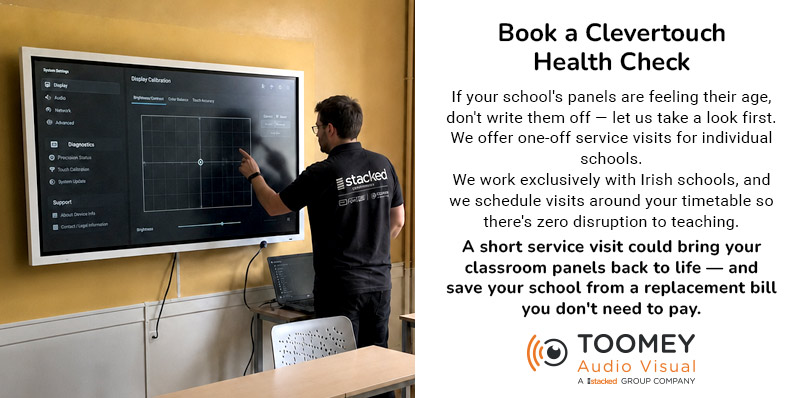
Book a Clevertouch Health Check
If your school’s panels are feeling their age, don’t write them off — let us take a look first. We offer one-off service visits for individual schools and scheduled maintenance contracts for ETBs and multi-school groups across Ireland. Our engineers are Clevertouch specialists, we work exclusively with Irish schools, and we schedule visits around your timetable so there’s zero disruption to teaching.
Get in touch with the Toomey AV education team today. A short service visit could bring your classroom panels back to life — and save your school from a replacement bill you don’t need to pay.
Sorry, the comment form is closed at this time.